


Blog
Cold Spark Fountain Compatibility: How to Choose the Right Inserts, Bases, and Controllers

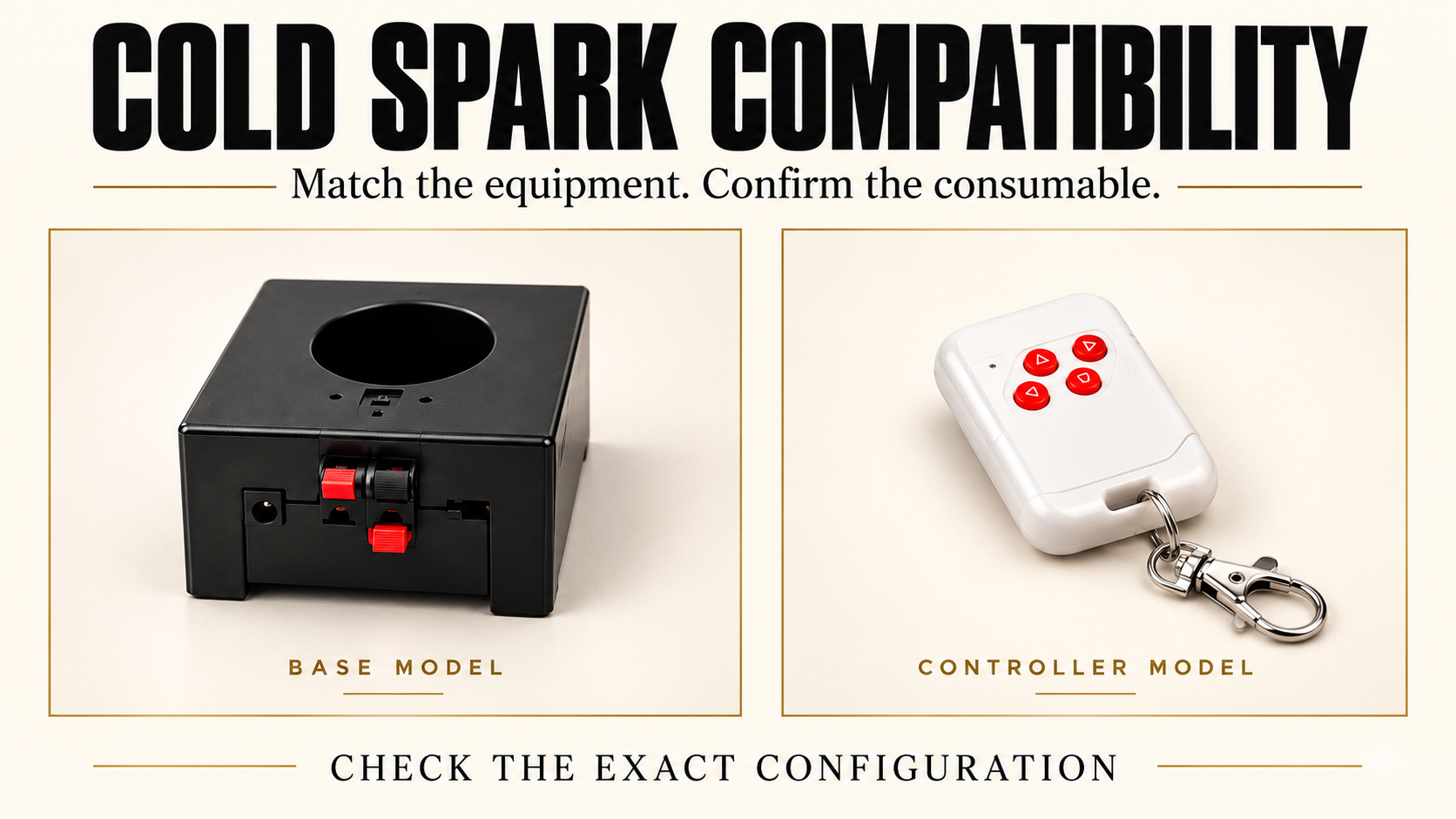
Event equipment guide · Compatibility and buying checklist
Choose cold spark consumables and controllers by the exact equipment model, not by appearance or the words “cold spark.” Insert-based bases and handheld devices need their specified inserts; powder-fed machines need the refill material their manufacturer supports. Confirm controller compatibility separately, then check the selected package’s consumables, batteries, and accessories before ordering.
Finding the right product category is only the first step. A refill can look familiar without being approved for your equipment, and a remote can resemble one you already own without controlling the same receivers.
This guide helps event buyers and rental teams verify a complete configuration. It covers purchasing decisions, not loading, wiring, pairing, or activation procedures.
Are cold spark inserts and titanium powder interchangeable?
No. They are different consumable formats for different equipment designs. An insert-based system uses a specified individual fountain consumable. A powder-fed machine uses an approved loose refill material. The shared effect name does not establish a shared supply.
| Equipment family | Consumable to confirm | Buying question |
|---|---|---|
| Insert-based fountain base | The insert specified for that base | Which exact insert model is supported by this configuration? |
| Insert-based handheld device | The insert specified for that handheld model | Is this insert approved for the device, including its fit requirements? |
| Powder-fed machine | The specified loose refill material | Does this machine accept this material and version, and are there any authorization requirements? |
The Any Case Gear handheld listing explicitly distinguishes its single-use inserts from loose powder. The 200g powder listing describes a refill for compatible powder-fed equipment and asks buyers to confirm machine specifications. Neither description makes the two formats interchangeable.
Do not choose a consumable because two listings show a similar effect or the same package weight. Weight describes quantity, not the complete material specification. For a broader equipment comparison, read fountain base systems vs. powder-fed machines.
What does “open-system compatible” tell you?
The linked powder listing describes compatibility with suitable open-system machines; it does not identify every supported model. It also states that the refill does not include an RFID or time card and that machine authorization requirements depend on the equipment.
Before buying, provide your machine’s model and ask whether the selected material is supported. If the machine requires an authorization item, establish what is needed through its supplier. A consumable listing cannot override the machine’s requirements.
Can the same insert work with a base and a handheld device?
It may be supported by more than one device, but that relationship needs confirmation for the exact models. “Fits in the opening” is only a physical observation. It does not confirm that the full equipment-and-consumable combination is supported.
The linked handheld specification gives a maximum insert diameter of 4.4 cm. Treat that as one model-specific fit limit, not a universal size for all cold spark equipment. Do not transfer that limit to a base or another handheld product without its own documentation.
The A01 insert page identifies a consumable sold separately from equipment and asks customers to confirm compatibility. Its general wording is not a complete model-by-model compatibility chart. When ordering for existing equipment, send the equipment model or original order reference and request confirmation of the appropriate insert.
What should you send the supplier?
- The exact equipment name, model identifier, and original product link or order reference.
- A clear photo of the equipment label and the consumable label, if you already have them.
- The proposed consumable product link and selected version.
- Any relevant fit specification stated in the equipment documentation.
- Whether you are replacing an existing supply or changing to a different product.
Ask for a direct answer identifying the supported combination. Save that answer with your equipment records so the next reorder does not depend on a similar-looking product photo. If the supplier needs more information, resolve it before treating the match as established.
Can you share a remote between two cold spark kits?
Do not assume so. Confirm the remote model, the receiver configuration, and the supported control behavior for both kits. A similar case, the same number of buttons, or a matching radio-frequency label is not enough evidence for a purchasing decision.
Describe the result you need: selecting one base, a defined group, or all intended bases together. Adding four more bases is a hardware expansion; whether one controller can select them as required is a separate question.
Example request: “We own this four-base kit and want to add another four bases. Can the existing controller operate both kits in the supported configuration, and can each group be selected independently? Please identify the required controller and any model restrictions.”
This request avoids guessing a pairing procedure. The supplier should identify whether the intended combination is supported and provide the applicable instructions. For the distinction between individual, group, and all-at-once selection, see our wireless fountain control guide.
Does DMX support mean the handheld remotes are interchangeable?
No. The ACS 750W Pro Event Series listing describes both wireless remote and DMX512 control. Those are separate control options. A DMX specification does not establish that a wireless remote from another product will work with the machine.
For a mixed-equipment DMX plan, have the responsible technician check each model’s documented channel functions and supported controller configuration. Keep the wireless compatibility question separate from the DMX integration question.
What else must be compatible or included?
Check the equipment’s power requirement, the remote’s power requirement, and the order contents separately. “Wireless” describes a control link; it does not by itself identify the power source or mean that the equipment is rechargeable.
| Listing | Stated requirement | What to check in the order |
|---|---|---|
| 4-base fountain system | 9V batteries and specified inserts | The basic listing identifies these as separate purchases; verify the selected offer. |
| Handheld cold sparkler | 2 × AA batteries and compatible inserts | The linked unit-only offer excludes both batteries and inserts. |
| A01 insert | Compatible equipment | This is a consumable listing, not a machine package. |
| 200g refill powder | Compatible powder-fed machine | The machine is separate; confirm the selected material version. |
A Full Kit name should lead you to the selected option’s packing list. It is not proof that batteries, extra consumables, or every event accessory are included. Our base kit vs. Full Kit guide explains how to compare the actual contents.
A pre-purchase compatibility checklist
- Identify the equipment. Record the exact model and quantity, including existing units if you are expanding.
- Identify the consumable. Record its product code, selected version, and the supplier’s confirmation for your equipment.
- Confirm the control plan. Specify the remote or controller and the individual or group behavior you require.
- Check power separately. Confirm device power, remote power, and what the order includes.
- Check quantities. Compare the selected packing list with your event requirement; an included supply may not cover later cues or future bookings.
- Keep the evidence. Save product links, selected options, relevant instructions, and the supplier’s confirmation.
After delivery, compare the received model labels and quantities with that record before event preparation. If an item differs, resolve the discrepancy with the supplier rather than assuming a substitution is equivalent.
Copy-ready supplier question: “Please confirm whether [consumable product/version] is supported by [equipment model]. We also plan to use [controller model] with [existing and new units] for [required control behavior]. Please confirm the supported configuration, required batteries or power, and the exact contents of the selected package.”
Common compatibility questions
Can I use loose titanium powder in an insert-based base?
No. Order the consumable format specified for the equipment. Loose refill powder is not a substitute for a specified fountain insert.
Does an insert’s diameter prove that it will work?
No. Diameter is one fit requirement. Confirm support for the complete equipment-and-insert combination.
Can any four-button remote control my bases?
Do not infer compatibility from button count. Ask the supplier to identify the supported remote and receiver configuration for your equipment.
Does “indoor” mean the combination is approved for my venue?
No. Material selection, equipment compatibility, and venue acceptance are separate checks. The actual event still needs the equipment and consumable instructions and the venue’s applicable requirements.
What if the product page does not name my model?
Provide its model identifier or original order reference and ask for a specific compatibility confirmation before buying. Avoid treating broad category wording as proof.
Find Compatible Cold Spark Machine Refills
Shopping for compatible cold spark machine refills? Browse our Cold Spark Powder & Refills collection to compare 200g titanium-based powder, indoor and outdoor options, and different pack quantities. These refills are intended for compatible powder-fed machines, not insert-based fountain systems. Confirm your machine requirements before ordering.
Confirm the match before completing your order
Review the A01 insert or cold spark machine powder according to your equipment family. Then send Any Case Gear your model details so the intended configuration and selected package can be checked.
Sources and scope: Linked Any Case Gear product descriptions and related guides were reviewed October 8, 2026. Model-specific specifications are attributed beside the relevant statement. This guide does not establish universal compatibility or replace the instructions supplied with equipment. Original information graphics are purchasing aids, not dimensions or operating diagrams. The cover is an AI-generated editorial illustration based on a product reference; its separate panels do not show relative product size.